o
p
t
i
m
a
r
o
b
o
t
i
c
s

Make a Call


Make a Call
Blogs
2026 Top Display Screen Monitor Buying Guide?
Choosing a Display Screen Monitor in 2026 requires more than comparing screen size and promotional brightness numbers. This guide examines panel technology, resolution, refresh rate, response time, color accuracy, ergonomics, connectivity, and long-term reliability. A vivid image in a showroom can hide uneven backlighting, poor viewing angles, or distracting motion blur.
Dr. Raymond M. Soneira, founder of DisplayMate Technologies, has repeatedly stressed the importance of display quality, stating, “The display is the most important component of a smartphone.” His point also applies to desktop monitors. The screen is where work, games, design projects, and hours of reading actually happen. It deserves careful evaluation.
Real use matters.
I will compare monitors through practical situations: small text on a spreadsheet, dark scenes in a game, skin tones in video, and reflections beside a bright window. A fast refresh rate may feel excellent, yet it cannot repair weak contrast or inaccurate colors. Likewise, a high-resolution panel may look impressive but demand stronger graphics hardware and clearer scaling support.
This 2026 buying guide aims to separate useful improvements from attractive specifications. It considers independent measurements, manufacturer information, warranty terms, and user experience. Some recommendations may remain debatable. No monitor suits every desk, budget, or eyesight. That is an important limitation. Readers should still check return policies and test their preferred Display Screen Monitor in their own workspace before committing.
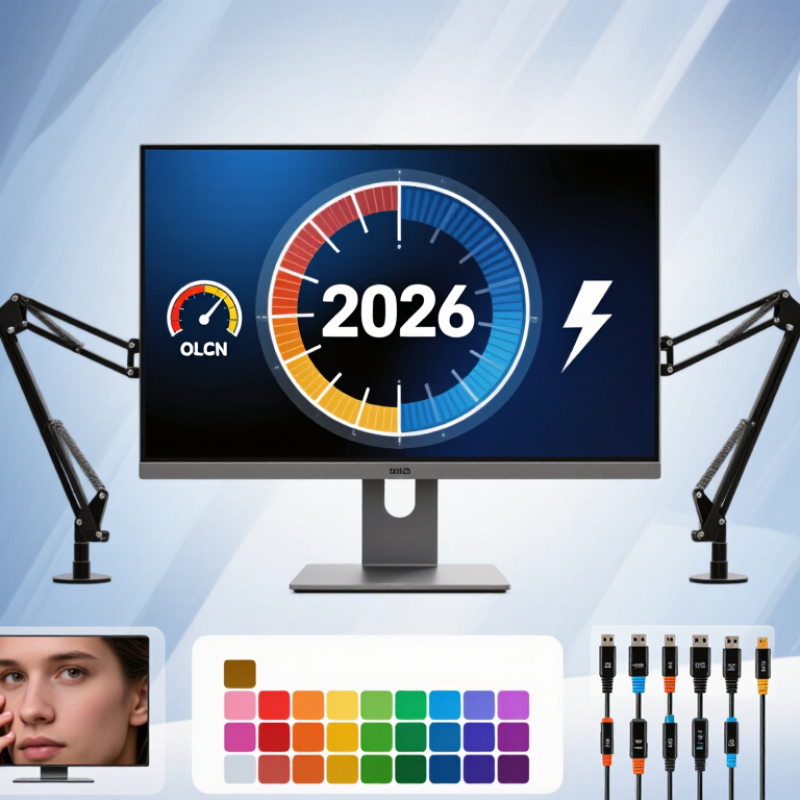
Table of Contents [Hide]
What Is a Display Monitor and How Does It Work?
A display monitor is an electronic window that turns computer data into visible images. It receives a digital signal through a cable or wireless connection. An internal controller then assigns color and brightness to millions of pixels. Each pixel contains smaller red, green, and blue elements. Together, they create text, photographs, charts, and moving scenes.
Most monitors use liquid crystal panels with a separate backlight. Others use self-lighting pixels, which can produce deeper blacks. Resolution describes the number of pixels on the screen. Refresh rate shows how many times the image updates each second. A higher rate can make scrolling and fast movement feel smoother. Response time affects how quickly pixels change color. Slow transitions may leave faint trails behind moving objects.
In practical use, display quality depends on more than sharpness. A bright screen can cause eye discomfort in a dim room. A wide color range is useful for editing, but it needs accurate calibration. Viewing distance also changes how much detail the eye can notice. I used to treat specifications as final answers. They are only clues. A monitor may look excellent in a showroom yet feel tiring after several hours. Check text clarity, screen reflections, connection support, and adjustable height before choosing one. Small details matter.
Brands
Proudly Trusted by Top Suppliers Worldwide







Let us know and we will automate, together to fit your industrial needs.
 +91-97254 16844
Clients
Proudly Trusted by Top Companies Worldwide


Do you need Help? Get in touch.
X
Please fill out the form below and we will get back to you as soon as possible.