o p t i m a r o b o t i c s

Blogs

How to Choose the Best Touch Screen Monitor in 2026?

In 2026, choosing the best Touch Screen Monitor can be challenging. With rapid advancements in technology, it’s easy to feel overwhelmed. Many brands offer different features and functionalities that may confuse consumers. Factors like size, resolution, and touch responsiveness play crucial roles in your decision.

Consider your intended use. Are you using it for design work, gaming, or casual browsing? Each purpose demands distinct qualities. For example, a graphic designer might prioritize color accuracy and screen size, while a gamer may need a monitor with low latency. Paying attention to user reviews can offer insight into real-life performance.

Reflection is necessary when choosing a Touch Screen Monitor. While a glitzy feature set might entice you, assess what truly meets your needs. Balance technology with practical usability. Scrutinizing product specifications helps avoid disappointment later. Your choice should enhance productivity and enjoyment, not hinder them.
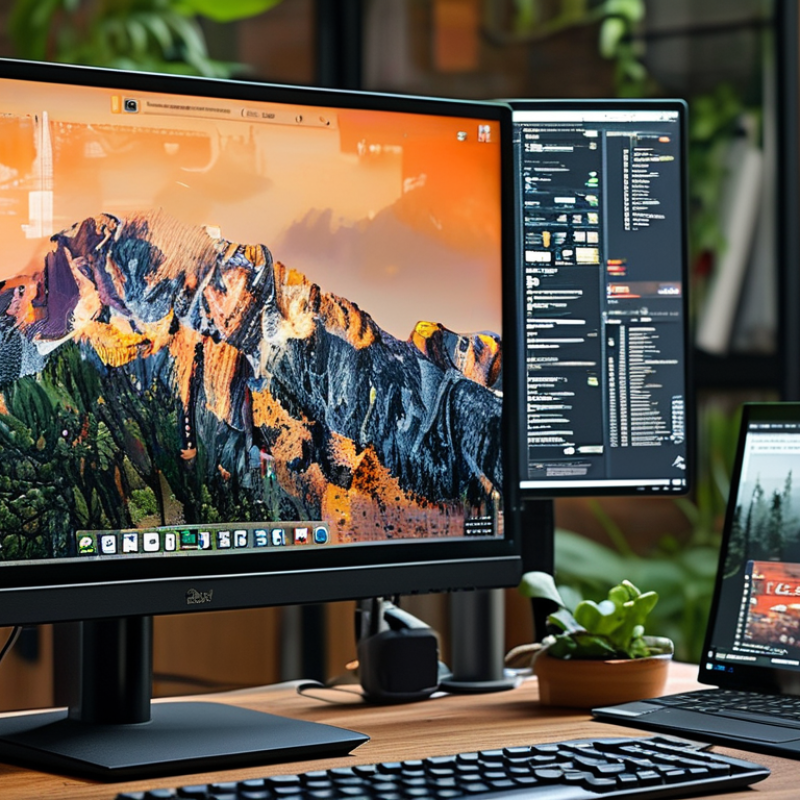
How to Choose the Best Touch Screen Monitor in 2026?

Understanding Touch Screen Monitor Technology and Types

When selecting a touch screen monitor in 2026, understanding the underlying technology is crucial. There are several types to consider. Capacitive screens are sensitive and support multitouch. They are excellent for precise tasks but may not perform well when wet. On the other hand, resistive screens are more durable and can be used with gloves. However, they tend to be less responsive than capacitive options.

Consider your specific needs before making a choice. If your work requires precision, like graphic design, a capacitive monitor may suit you best. For environments exposed to harsh conditions, resistive monitors offer resilience. Think about the atmosphere where the monitor will be used. Bright settings may necessitate screens with anti-glare technology.

Tips: Pay attention to the monitor’s resolution. Higher resolution provides clearer images, which is essential for design work. Check the responsiveness too. A lagging screen can hinder productivity. Lastly, examine the connectivity options. Ensure the monitor can easily connect with your existing devices and platforms.

Key Features to Evaluate When Choosing a Touch Screen Monitor

When selecting a touch screen monitor in 2026, evaluating key features is essential. One critical aspect is screen resolution. Monitors with higher resolutions provide clearer images. According to industry reports, 4K resolution is becoming standard. It significantly enhances user experience, especially in graphic-heavy applications.

Another important feature is touch responsiveness. Monitors with faster response times allow smoother interactions. Research indicates that monitors with a 10ms response time or less significantly reduce lag. This is crucial for applications where timing is everything. However, some users may overlook the importance of this metric, leading to frustrations.

Additionally, durability matters. Look for monitors with robust glass protection. Data from user experience studies show that touch screens are prone to wear and tear. Ensuring your monitor can withstand daily use is vital. Evaluating all these aspects will support a well-informed decision, leading to a better technology investment.

Assessing Compatibility with Your Devices and Software

When choosing a touch screen monitor, assessing compatibility with your devices is crucial. Many users overlook this aspect. Ensure the monitor you select can easily connect with your current hardware. Check for USB, HDMI, or DisplayPort options. Compatibility ensures smooth operation.

Software compatibility is just as important. Investigate whether the monitor works with your operating system. Not all monitors support every software application. Touch functionality may vary based on the software. Some systems might require specific drivers. This can affect user experience significantly.

Think about future needs, too. Will your current devices remain relevant? Technology changes quickly, and what fits today may not suit tomorrow. Consider the possibility of upgrading both the monitor and devices. Planning can save you headaches down the line. Research thoroughly to avoid mismatches that can disrupt workflow.

How to Choose the Best Touch Screen Monitor in 2026?

Feature Description Compatibility Price Range
Screen Size Varies from 15" to 32" Check device compatibility for screen sizes $200 - $2000
Resolution Full HD, 4K, or higher Ensure OS supports high resolutions $300 - $2500
Touch Technology Capacitive, resistive, or infrared Verify compatibility with touch drivers $250 - $1500
Aspect Ratio 16:9, 16:10, or 4:3 Check alignment with devices $200 - $1800
Connectivity HDMI, USB-C, DisplayPort Confirm ports on your devices $150 - $2000
Color Accuracy sRGB, Adobe RGB, NTSC Consider for design work $300 - $3000

Determining Your Budget and Value for Money Considerations

When choosing a touch screen monitor in 2026, budget plays a critical role. Reports indicate that nearly 70% of consumers consider price as a primary factor when making tech purchases. It's essential to establish a realistic budget that aligns with your specific needs. Evaluate features such as screen resolution and touch sensitivity. Find a balance between price and functionality.

Value for money is another essential consideration. A well-reviewed study highlights that users often overlook longevity. Monitors that seem cheaper initially may not last, resulting in higher replacement costs. Consider models that offer warranties or customer support, as they add value. Investing slightly more can often yield better performance and durability.

Many users also undervalue the importance of research. A survey found that 55% of buyers regretted impulsive decisions. Prioritize reviews and comparisons from reliable tech sources. Look for feedback on user experience and reliability. Taking the time to analyze your options can lead to a more satisfying purchase.

Reading Reviews and Ratings for Informed Decision-Making

Choosing a touch screen monitor is an important decision. Reading reviews carefully can guide you. Ratings from reliable sources offer valuable insight into performance and durability. User experiences often highlight strengths and weaknesses, which can be crucial.

Look for detailed reviews that explain features. Consider aspects like responsiveness, resolution, and build quality. Pay attention to any common complaints, as these can signify issues that might affect your usage. Sometimes, the most critical information is found in user feedback. Reviews often capture real-world scenarios where a product excels or fails.

Check multiple platforms for diverse opinions. A monitor that seems appealing might have hidden drawbacks. Reviews can reveal these subtleties. Ratings can fluctuate based on updates or changes in manufacturing. Regularly reading reviews helps maintain awareness of performance shifts over time. This practice will aid in making an informed decision.

Brands

Proudly Trusted by Top Suppliers Worldwide

Let us know and we will automate, together to fit your industrial needs.

Clients

Proudly Trusted by Top Companies Worldwide

Do you need Help? Get in touch.

X

Please fill out the form below and we will get back to you as soon as possible.

    Subscribe our newsletter & get updates