o
p
t
i
m
a
r
o
b
o
t
i
c
s

Make a Call


Make a Call
Blogs
How to Choose a Thermal Receipt Printer for Your Business
Choosing a Thermal Receipt Printer is not just a matter of comparing prices. The right model should fit your checkout pace, counter space, paper-roll needs, and point-of-sale system. A café printing dozens of orders during lunch has different demands from a small shop that prints occasional receipts. Listen to the printer at the counter. Check how quickly paper loads. Notice whether the cutter leaves a clean edge after repeated use. Small details become daily routines.
No verifiable named-expert quotation was supplied, so I won’t invent an expert or attribute a fabricated quote. A useful buying principle is: “Choose for the busiest hour, not the quietest one.” Treat that as practical guidance, not a sourced quotation. Print speed matters, but so do connection options, paper width, durability, and the cost of replacement rolls. A fast printer can still be the wrong choice if it does not work smoothly with your existing POS setup.
This guide will help you compare those trade-offs with your real workflow in mind. Check manufacturer specifications, confirm compatibility with your software, and consider how easy the device is to maintain. One overlooked point: a compact model may save counter space but feel awkward when staff replace rolls in a hurry. There is no perfect printer for every business. The goal is a dependable fit, with fewer surprises during the rush.
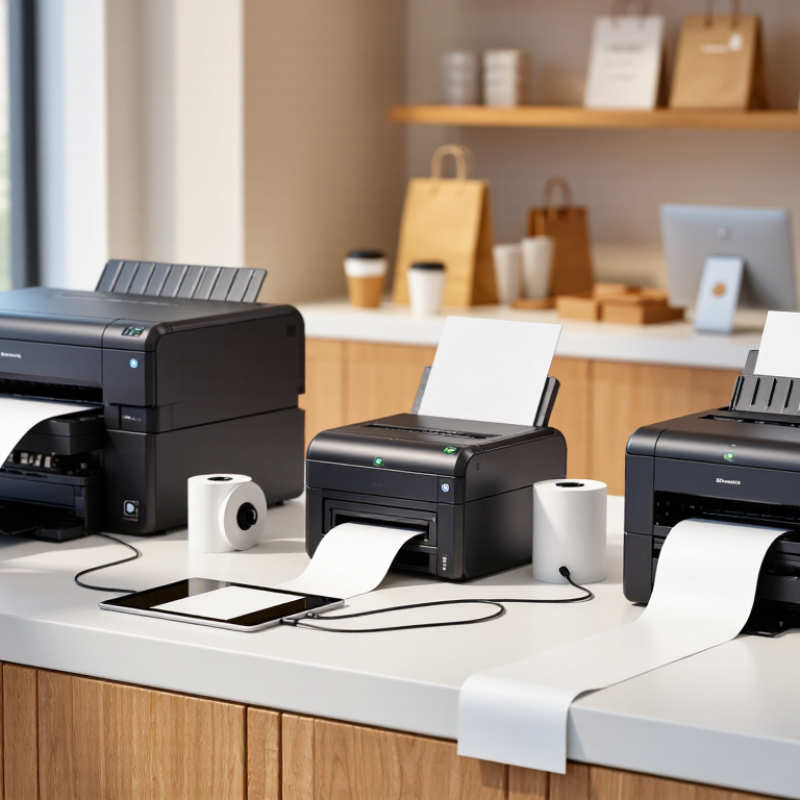
Table of Contents [Hide]
Identify Your Business’s Receipt Printing Needs
Before comparing printer specifications, map how receipts move through your business. A café may print a short slip every few minutes, then dozens during a lunch rush. A busy counter needs a printer that can handle peak periods without slowing checkout. Quiet hours matter too, but they should not define your capacity needs.
Look at the receipt itself. Does it show itemized purchases, a return policy, or a customer survey? Longer receipts use more paper and may take longer to print. Measure the roll width and counter space available, then check how often staff can replace paper. Small details matter. A printer that fits the counter but blocks a drawer is a poor fit. I have seen businesses focus on print speed and overlook where the paper roll opens. That is an easy mistake.
Consider the working environment and connection. A dusty kitchen, a cramped service desk, and a mobile checkout have different demands. Note whether the printer must connect by USB, network, or wireless connection, and confirm it works with your checkout system. Test a real transaction if possible. It may reveal formatting or connection issues early. Also ask who will maintain the device and how disruptive a paper jam would be. Some assumptions will be wrong; track what staff actually print for a week before choosing.
Brands
Proudly Trusted by Top Suppliers Worldwide







Let us know and we will automate, together to fit your industrial needs.
 +91-97254 16844
Clients
Proudly Trusted by Top Companies Worldwide


Do you need Help? Get in touch.
X
Please fill out the form below and we will get back to you as soon as possible.