o
p
t
i
m
a
r
o
b
o
t
i
c
s

Make a Call


Make a Call
Blogs
What Are the Top Digital Signage Solutions for Businesses?
A digital display can brighten a lobby, guide shoppers to a promotion, or leave people staring at yesterday’s menu. The difference is rarely the screen alone. It is the fit between the software, content, network, and daily workflow. Digital Signage solutions now range from simple cloud-based players to interactive systems with scheduling, audience analytics, and point-of-sale integrations. More features do not always mean better results.
Industry analyst Lyle Bunn has long emphasized that effective digital signage depends on relevant content and disciplined operations, not hardware alone. That principle is useful when comparing platforms. Can a store manager update prices across several locations without calling IT? Does the system keep showing approved content if the internet drops? Can staff see which screens are offline before customers do? Small details matter. A frozen screen near a checkout can undermine a polished campaign.
This guide examines leading solutions through practical business needs: ease of use, scalability, integrations, security, and support. It also considers the less glamorous work, including content planning and maintenance. No platform solves those problems by itself. A useful shortlist should match the screens, staff skills, and update schedule a business actually has. The right choice may be less impressive in a demo—and more dependable on a busy Tuesday.
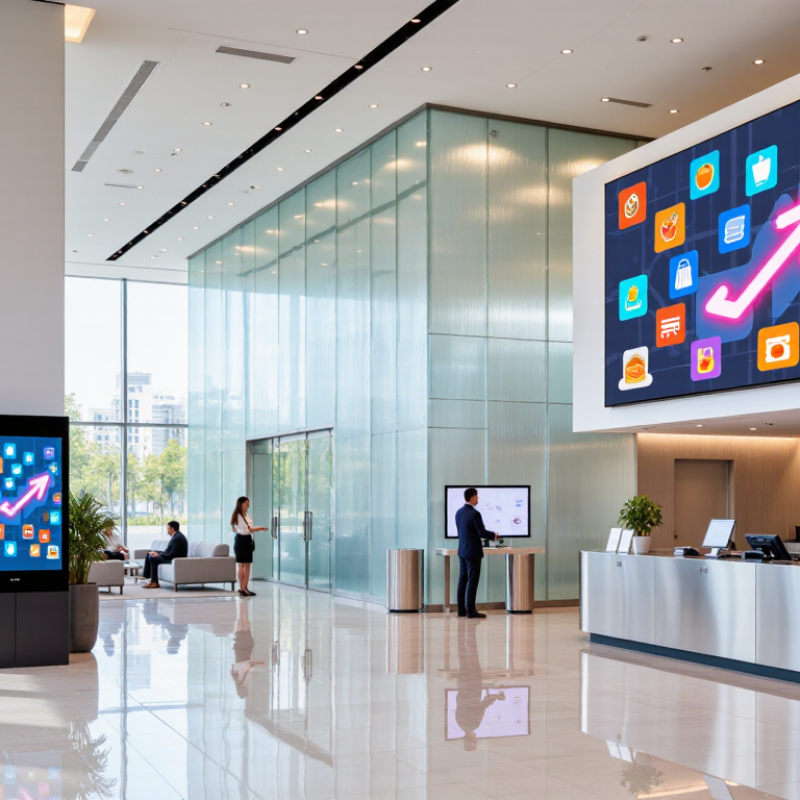
Table of Contents [Hide]
What Digital Signage Solutions Are and How They Work
A digital signage solution is a connected system, not just a screen on a wall. It typically combines commercial displays, a media player, content-management software, and a network connection. Staff upload a menu, announcement, or promotion to the software, then assign it to selected screens and set a playback schedule. The player receives the approved files and displays them, even when the screen is not being actively controlled. Some systems also use sensors or live data to adjust content, but these features need thoughtful setup.
The process is easier to picture in a café: a manager updates a price on a laptop, chooses the counter display, and schedules the change before opening. That matters. A good workflow reduces repeated USB updates and helps keep screens consistent. Yet a network outage, expired content, or unreadable text can still undermine the experience. Technology is only part of it.
The market is growing, though growth alone does not prove that every installation works well. Grand View Research estimated the global digital signage market at USD 28.83 billion in 2024 and projected USD 45.94 billion by 2030. For a business, the practical question is whether the system fits its locations, staff skills, and update schedule. Not magic. A small pilot can reveal whether screens are visible, content is legible from a few steps away, and updates actually reach the right displays.
Brands
Proudly Trusted by Top Suppliers Worldwide




Let us know and we will automate, together to fit your industrial needs.
 +91-97254 16844
Clients
Proudly Trusted by Top Companies Worldwide


Do you need Help? Get in touch.
X
Please fill out the form below and we will get back to you as soon as possible.